Shulker Box Tooltip
在物品提示框中預覽界伏盒、終界箱等容器的內容物,並可自訂預覽外觀與按鍵。
機器翻譯・待校對ForgeNeoForgeFabricMinecraft 1.16.5–26.3
最後更新 2026 年 11 月 28 日
shulkerboxtooltip
100
界伏盒提示框 界伏盒預覽 界伏盒提示 容器預覽
這個模組最新版本身已有約 92% 的繁中翻譯,本站補上它在各版本缺少的 8 條,裝了之後兩邊會一起生效。
這份翻譯是機器自動翻的,還沒有人檢查過,看到不通順的地方歡迎幫忙修正。
下載繁中資源包
✓ 完整翻譯· 已翻譯 8 / 8 條
安裝方式
- 下載資源包 .zip(不用解壓縮)。
- 放進 Minecraft 的 resourcepacks 資料夾。
- 在遊戲「選項」的「資源包」中啟用,語言設為「繁體中文(台灣)」。
譯文預覽
顯示前 8 條,共 8 條
| 原文 | 譯文 |
|---|---|
Generic Container shulkerboxtooltip.colors.shulkerboxtooltip.default.generic_container | 通用容器 |
Generic Container Preview shulkerboxtooltip.config.option.preview.generic_container_preview | 通用容器預覽 |
If on, items with the container data component
that are not explicitly supported will still show a preview,
as if they were a shulker box. shulkerboxtooltip.config.option.preview.generic_container_preview.tooltip | 啟用時,具有容器資料元件 但未被明確支援的物品, 仍會像界伏盒一樣顯示預覽。 |
Bundles shulkerboxtooltip.colors.shulkerboxtooltip.bundles | 束口袋 |
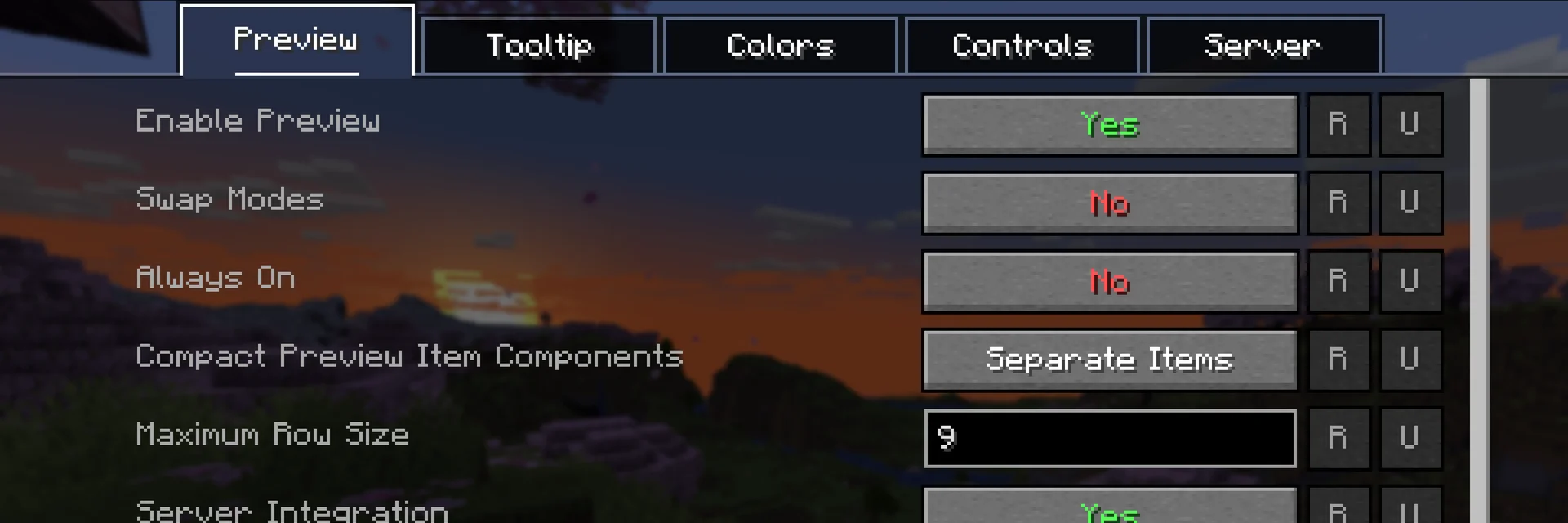
Compact Preview Item Order shulkerboxtooltip.config.option.preview.compact_preview_order | 精簡預覽物品順序 |
How compact preview items should be ordered.
Stack Size: sort stacks by size, largest first.
Preview Order: preserve the order of items as they appear in the container preview. shulkerboxtooltip.config.option.preview.compact_preview_order.tooltip | 精簡預覽中物品的排列方式。 堆疊大小:依堆疊數量排序,最大的在前。 預覽順序:維持物品在容器預覽中的順序。 |
Stack Size shulkerboxtooltip.config.compact_preview_order.stack_size | 堆疊大小 |
Preview Order shulkerboxtooltip.config.compact_preview_order.preview_order | 預覽順序 |