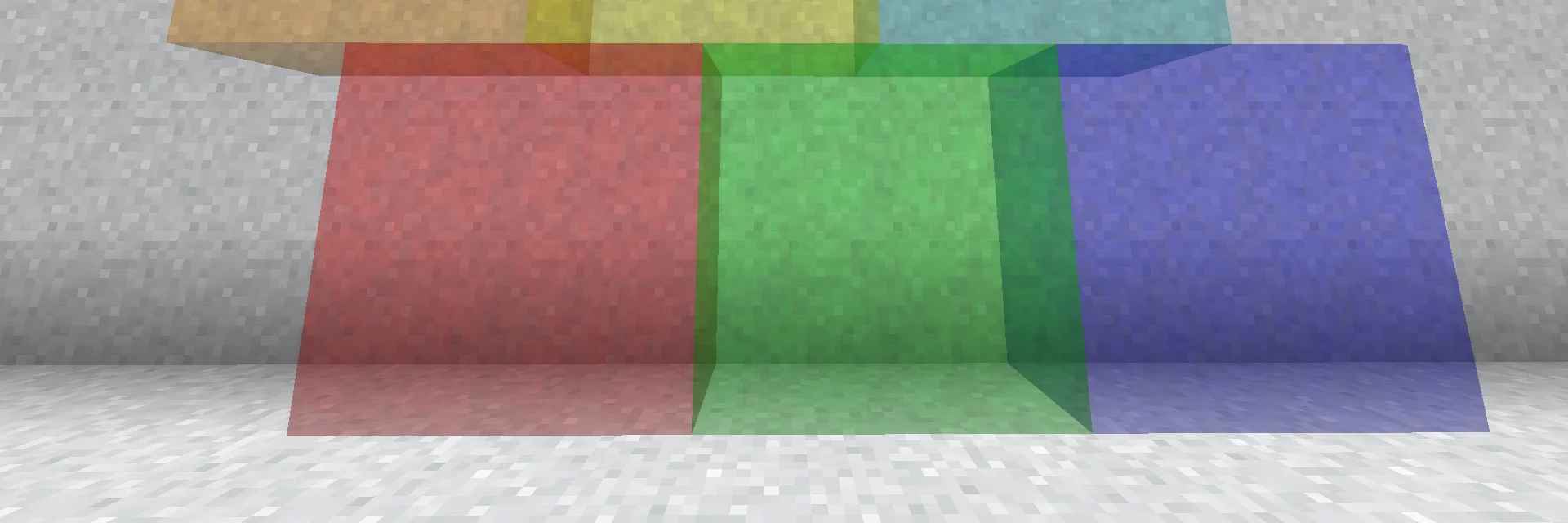

Structure Gel API
新增結構凝膠、資料處理器、動態生怪磚與建築工具,協助製作與生成結構。
機器翻譯・待校對ForgeNeoForgeMinecraft 1.16.5–26.1.2
最後更新 2026 年 10 月 20 日
structure_gel
100
structure-gel-api
這份翻譯是機器自動翻的,還沒有人檢查過,看到不通順的地方歡迎幫忙修正。
下載繁中資源包
✓ 完整翻譯· 已翻譯 257 / 257 條
安裝方式
- 下載資源包 .zip(不用解壓縮)。
- 放進 Minecraft 的 resourcepacks 資料夾。
- 在遊戲「選項」的「資源包」中啟用,語言設為「繁體中文(台灣)」。
譯文預覽
顯示前 50 條,共 257 條
| 原文 | 譯文 |
|---|---|
Red Gel block.structure_gel.red_gel | 紅色凝膠 |
Blue Gel block.structure_gel.blue_gel | 藍色凝膠 |
Green Gel block.structure_gel.green_gel | 綠色凝膠 |
Cyan Gel block.structure_gel.cyan_gel | 青色凝膠 |
Orange Gel block.structure_gel.orange_gel | 橙色凝膠 |
Yellow Gel block.structure_gel.yellow_gel | 黃色凝膠 |
Data Handler block.structure_gel.data_handler | 資料處理器 |
Dynamic Spawner block.structure_gel.dynamic_spawner | 動態生怪磚 |
Open Building Tool GUI key.structure_gel.open_building_tool_gui | 開啟建築工具介面 |
• Used to modify blocks with many different modes and settings.
• Press %s while holding to open the GUI. info.structure_gel.building_tool_description | • 可用多種模式與設定修改方塊。 • 手持時按 %s 可開啟介面。 |
• Generates objects in a structure based on the data within.
• Place the block and open the GUI to set data. You can test your data with the Generate button. info.structure_gel.data_handler_description | • 依內含的資料在結構中生成物件。 • 放置方塊後開啟介面即可設定資料,也可用「生成」按鈕測試資料。 |
• Behaves similar to a vanilla spawner, but uses pre-determined registered behaviors instead of storing spawning logic in the block itself. These behaviors must be registered by mods in code.
• Place the block and open the GUI to set data. info.structure_gel.dynamic_spawner_description | • 行為類似原版生怪磚,但使用預先註冊的行為,而不是把生怪邏輯存在方塊內。這些行為必須由模組在程式碼中註冊。 • 放置方塊後開啟介面即可設定資料。 |
Hold [Shift] for info info.structure_gel.hold_shift | 按住 [Shift] 查看資訊 |
Hold [Control] for controls info.structure_gel.hold_control | 按住 [Control] 查看操作 |
• Place while sneaking to trigger the spread effect. info.structure_gel.place | • 潛行時放置可觸發擴散效果。 |
• Use gunpowder to destroy all connected gels. info.structure_gel.gunpowder | • 使用火藥可摧毀所有相連的凝膠。 |
• Spreads the gel along the cardinal directions, only replacing air. info.structure_gel.default | • 沿著東西南北四個方向擴散凝膠,只會取代空氣。 |
• Only spreads the gel in positions not exposed to the sky. Great for rooms with open walls. info.structure_gel.photosensitive | • 只會在沒有暴露於天空的位置擴散凝膠,適合牆面開放的房間。 |
• Spreads itself along the cardinal and diagonal directions. Useful to get around vines and other weird corners. info.structure_gel.diagonal_spread | • 沿著四個基本方向與斜角方向擴散,可繞過藤蔓與其他奇怪的角落。 |
• Spreads the gel with a set distance based on how many you're holding. Maxes out at 50. info.structure_gel.dynamic_spread_dist | • 依你手上持有的數量決定擴散距離,最多 50。 |
• Spreads the gel in a flat plane based on how it was placed. info.structure_gel.axis_spread | • 依放置的方式,在平面上擴散凝膠。 |
• The behavior for this block is undefined. Make sure you're using or extending off of StructureGelBlock in code. info.structure_gel.unknown_behavior | • 這個方塊的行為未定義。請確認程式碼中使用或繼承了 StructureGelBlock。 |
Building Tool item.structure_gel.building_tool | 建築工具 |
• Press %s while holding to open the GUI. item.structure_gel.building_tool.info.open_gui | • 手持時按 %s 可開啟介面。 |
• For modes that require a block pallete you can press %s on a block to select it. You can also right click with an item held in your mouse onto this stack to select that block. If you use a block or item with an inventory, the inventory will be converted into a block pallete. item.structure_gel.building_tool.info.select_block | • 需要方塊調色盤的模式中,可對方塊按 %s 來選取。也可以用滑鼠游標上持有的物品對這一堆按右鍵來選取該方塊。若使用有物品欄的方塊或物品,其內容會轉換成方塊調色盤。 |
• You can change your reach distance by holding %s and using the mouse wheel. item.structure_gel.building_tool.info.zoom_reach | • 手持時按住 %s 並滾動滑鼠滾輪,可改變觸及距離。 |
• You can undo previous actions with %s and redo them with %s. item.structure_gel.building_tool.info.undo_and_redo | • 按 %s 可復原先前的動作,按 %s 可重做。 |
You do not have permission to use this item info.structure_gel.building_tool.message.no_permission | 你沒有使用此物品的權限 |
Set position %d (%s, %s, %s) info.structure_gel.building_tool.message.set_pos | 設定位置 %d(%s、%s、%s) |
Size (%s, %s, %s) info.structure_gel.building_tool.message.size | 大小(%s、%s、%s) |
Cleared positions info.structure_gel.building_tool.message.clear_poses | 已清除位置 |
One or more positions is in unloaded terrain info.structure_gel.building_tool.message.pos_unloaded | 有一個或多個位置位於未載入的地形 |
Positions not selected: %s info.structure_gel.building_tool.message.missing_pos | 尚未選取位置:%s |
Selected %s info.structure_gel.building_tool.message.select_state | 已選取 %s |
Selected pallete from contents info.structure_gel.building_tool.message.select_pallete | 已從內容物選取調色盤 |
Select a block to place info.structure_gel.building_tool.message.missing_state | 請選取要放置的方塊 |
Set reach distance to %s info.structure_gel.building_tool.message.set_reach | 已將觸及距離設為 %s |
Placed %d blocks info.structure_gel.building_tool.message.place_blocks | 已放置 %d 個方塊 |
Placed %d block info.structure_gel.building_tool.message.place_block | 已放置 %d 個方塊 |
Placed %d %s info.structure_gel.building_tool.message.place_blocks_with | 已放置 %d 個 %s |
Replaced %d blocks info.structure_gel.building_tool.message.replace_blocks | 已取代 %d 個方塊 |
Replaced %d block info.structure_gel.building_tool.message.replace_block | 已取代 %d 個方塊 |
Replaced %d blocks with %s info.structure_gel.building_tool.message.replace_blocks_with | 已將 %d 個方塊取代為 %s |
Cloned region info.structure_gel.building_tool.message.clone_blocks | 已複製區域 |
Clipboard expired info.structure_gel.building_tool.message.clipboard_missing | 剪貼簿已過期 |
Moved %d blocks %s info.structure_gel.building_tool.message.move_blocks | 已將 %d 個方塊移動 %s |
Grabbed corner info.structure_gel.building_tool.message.grabbed_corner | 已抓取角落 |
Placed corner info.structure_gel.building_tool.message.placed_corner | 已放置角落 |
Grabbed bounds info.structure_gel.building_tool.message.grabbed_bounds | 已抓取範圍 |
Placed bounds info.structure_gel.building_tool.message.placed_bounds | 已放置範圍 |